HOW TO JOIN CATCRAFT
MINECRAFT JAVA EDITION
- In Minecraft, go to Multiplayer, then Add Server.
- Enter
play.catcraft.netinto the Server Address box and click Done. - Select the CatCraft server and press Join Server.

💡
If you encounter any issues joining, please open a ticket on our Discord Server
MINECRAFT BEDROCK EDITION
- In Minecraft, go to Play, then Servers
- Click ➕ Add Server
- Enter
play.catcraft.netinto the Server address box - Click Add and play.
IP: play.catcraft.net
Port: 19132
WINDOWS 10, PE, Android, IOS

CONSOLE EDITIONS (XBOX, NINTENDO SWITCH, PS4, etc)
To join, download the Bedrock Together App on the IOS or Android appstore.
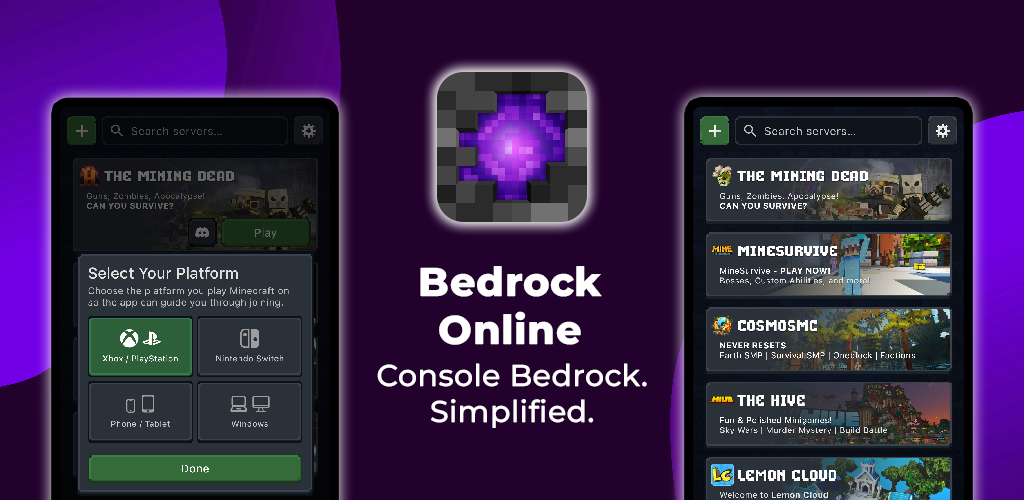
- Download the BedrockOnline app on your phone or tablet. Here are the links for IOS or Android.
- Open the app and add a new server.
- Enter the following server IP address and port:
IP: mc.catcraft.net
Port: 19132
- Save the server.
- Open Minecraft Bedrock on your console.
- Go to the Worlds tab.
- Join the LAN game that appears, this will connect you to the server.
If it doesn’t show up straight away, restart Minecraft and try again.
For more information, please visit: https://bedrockonline.app/
Bedrock Online - Join Any Minecraft Bedrock Server from Console
Connect your PlayStation, Xbox, or Nintendo Switch to any Minecraft Bedrock server. Free, no ads, no proxy - just a direct transfer.